
Picture this: a visitor comes to your online store, browses black sneakers, picks a size, adds the item to the cart, and then leaves without placing an order. A few hours or days later, they're scrolling through friends' stories on Facebook or Instagram and see an ad for that exact pair of shoes. What's more, it already comes with a personal discount applied.
This is how the modern Meta ecosystem works.
But behind this seemingly simple ad lies a complex system of interaction between the product catalog, Facebook Feed, Meta's algorithms, Pixel, Conversions API and your online store. If even one part of this system isn't working correctly, users see outdated products, the algorithms get incomplete data, and the ad budget is used less efficiently.
Facebook Feed is the data source that feeds this system. It tells Meta which products are available, how much they cost, whether they're in stock, and what to show a potential buyer. But the Feed alone doesn't make advertising effective.
You get the full result only when the integrations behind it are set up correctly.
At Planeta Web, we build online stores on Magento, Adobe Commerce, Shopify, WooCommerce and other CMS platforms, so we regularly integrate product catalogs with Meta, Google Merchant Center, marketplaces and other ad platforms. We don't just generate a Feed - we build a controlled system where the catalog, analytics and advertising tools work in sync.
Facebook Feed, also known as a product feed or Meta Product Feed, is used to send structured product data to Meta's catalog.
Or read the key facts about the role of Facebook Feed in eCommerce below:
How does Meta know what to sell?
What is Facebook Feed for an online store
What data goes into Facebook Feed and why it matters
Why Facebook Feed alone is no longer enough
Feed, Pixel and Conversions API: three tools that work together
What this looks like in practice
Mistakes that cost more than they seem to
Magento, Shopify and other CMS platforms: how to automate Facebook Feed
Can you use one Facebook Feed for multiple channels at once
Facebook Feed doesn't sell. The system does.
How does Meta actually know what to sell?
When a store owner adds a new product to the site, Facebook doesn't find out automatically - it gets no notification. To Meta, every website is just a set of web pages. The algorithm doesn't know what's actually for sale, what the current price is, whether an item is in stock, or who should see it.
For the ads to be tailored to the shopper, the system needs data from two sources.
The product catalog (Facebook Feed). It holds information such as name, price, availability, specifications, images and other attributes.
Interaction data (Meta Pixel and Conversions API). These pass along information about visitor behavior: which pages they view, which products they open, add to cart, buy, or where in the journey they drop off.
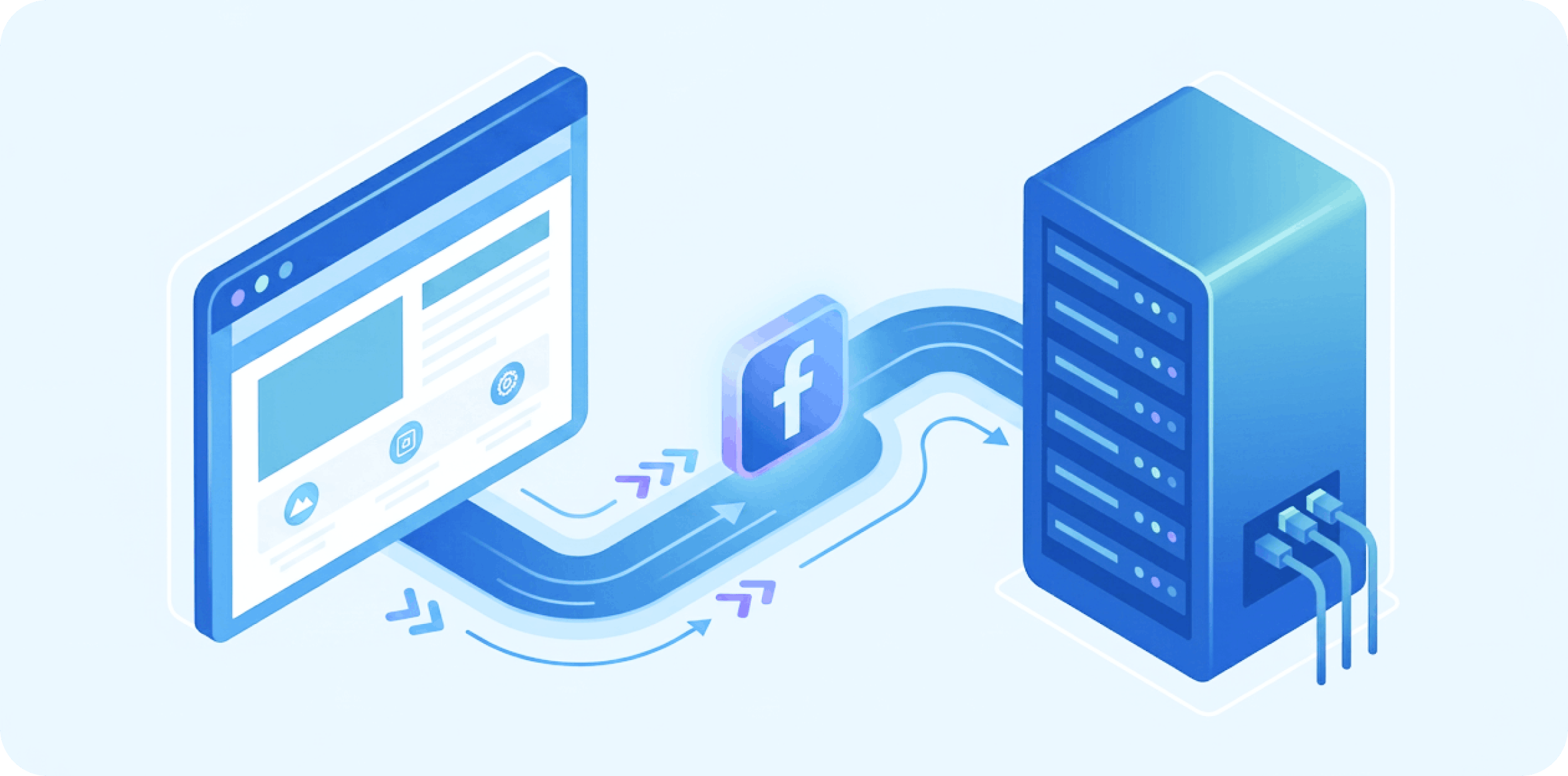
Here's a simplified diagram of how the whole system works:
Online store (Magento, Shopify, WooCommerce and other CMS platforms)
Facebook Feed
Meta Catalog
Pixel + Conversions API
Dynamic Ads
Facebook, Instagram, Messenger, Audience Network
Each piece of this chain has one specific job.
The online store holds all the product data.
Facebook Feed sends that data to Meta.
Meta Catalog builds a structured catalog.
Pixel and Conversions API report on visitor behavior.
And the ad algorithm pulls all of this together to decide which product to show a specific person at a specific moment. In fact, Meta never guesses what a shopper is interested in. It analyzes the data it receives and automatically selects the most relevant offer.
To fully evaluate the performance of your ad channels, Meta's data should also be cross-checked against properly configured web analytics, such as Google Analytics 4
What is Facebook Feed for an online store
Most articles on this topic open with a definition along the lines of: Facebook Feed is an XML or CSV file of products. That's technically accurate. But for a business, it barely explains anything. In reality, Facebook Feed is a digital catalog of your store that Meta reads and updates on an ongoing basis.
Think of it this way: every hour, a store manager hands Facebook a list of every product and says:
here's what we're selling right now;
here are the current prices;
these items are sold out;
and these just went on sale.
The Feed plays exactly that role.
The way the data is delivered can vary:
XML;
CSV;
TSV;
Google Shopping Feed;
delivery via API;
automatic sync through specialized modules.
For Meta's algorithms, the format itself barely matters. What matters is that the information is accurate, structured and updated regularly.
What data goes into Facebook Feed and why it matters
Meta's algorithm doesn't read a product page the way a person does. It works with structured data - and that data is what lets it figure out what to advertise and to whom.
Field
What Meta uses it for
id
links the product to Pixel and Conversions API events
title
forms the product name shown in the ad
description
helps the algorithms better understand the product
availability
keeps out-of-stock products from being advertised
price
shows the current price
sale_price
automatically reflects promotional offers
image_link
pulls the product's main photo
brand
helps classify the product more precisely
product_type
used to categorize the catalog
link
sends the user to the correct product page
This table determines whether Meta shows the right product to the right person.
Why Facebook Feed alone is no longer enough
A few years ago, two components were enough for most stores: Facebook Feed + Facebook Pixel.
Pixel tracked user actions through the browser, while Feed carried the product data. But the landscape has changed. Safari, Firefox and other browsers have started restricting third-party cookies much more aggressively, more users opt out of tracking, and some events simply never reach the ad platforms. As a result, Meta may never see that a shopper placed an order or even added an item to their cart.
This is where businesses turn to Conversions API.
Unlike Pixel, it sends events not through the user's browser but directly from the online store's server.
This makes it possible to report purchases, orders and other key events far more accurately, even when the browser restricts tracking. The most effective combination is Facebook Feed plus Facebook Pixel plus Conversions API. Together, they give Meta's algorithms the fullest possible picture.
Feed, Pixel and Conversions API: three tools that work together
These three tools are often treated as interchangeable, but each one plays a distinct role in the Meta ecosystem.
Tool
Main function
Facebook Feed
Sends Meta structured product data: name, price, availability, specifications and other attributes.
Meta Pixel
Records user actions in the browser: page views, product views, add-to-cart, checkout.
Conversions API
Sends the same events directly from the server, improving data accuracy even when the browser blocks the events.
None of these technologies can fully work on its own. Feed tells Meta what can be advertised. Pixel and Conversions API show who should see a given product, when, and based on what actions. Only when they work together do they give Meta's algorithms the full set of signals needed to personalize ads and optimize campaigns.
What does this look like in practice?
Say Olena is shopping for a new wooden dining table. She visits a furniture store online, opens the product page, looks closely at the photos, reads the specifications, but decides to think it over for a few more days.
Meanwhile, Meta's algorithms are already at work.
Pixel logs a ViewContent event.
Conversions API sends the same data from the server.
Meta finds the product in Facebook Feed by its unique ID.
It pulls the name, photo, price and current availability from the catalog.
A little later, the user sees an ad for that exact product on Facebook or Instagram.
If the price changes or the item sells out the next day, the updated Feed passes along the new data, and the ad stays accurate too. This is how properly synced catalog data directly shapes the quality of dynamic ads. Without it, your customer might see an offer they were never actually willing to pay for.
Mistakes that cost more than they seem to
Many stores set up their Feed once and never touch it again. And most problems with dynamic ads don't actually originate in the Meta ads manager. They start in the product catalog, in data sync, or in the integration between the online store and the ad platform. What looks like a minor detail can trigger a whole chain of errors down the line.
A product's ID changed after a store update.
After a migration, catalog import or CMS update, product IDs can change. Pixel keeps sending events, but Meta can no longer match them to a product in Facebook Feed. As a result, the user stops seeing personalized ads for the products they actually viewed. A sync audit after any change to the catalog or store structure helps prevent this.
The catalog still shows the old price.
After a price change on the site, Facebook Feed doesn't update, so Meta keeps showing the outdated price in ads. The shopper clicks through to the store, sees a different price, and often leaves before placing an order. Regular automatic catalog sync helps avoid this and keeps ads accurate.
An item has sold out, but the Feed hasn't updated.
The product is no longer available to order, but Meta keeps advertising it. The user wastes time clicking through, finds it out of stock, and often turns to a competitor instead. Automatic stock updates and catalog sync monitoring keep you from spending ad budget on unavailable products.
A product page has a small or low-quality photo uploaded.
Meta pulls images from the catalog to build the ad. If a photo is low quality, has the wrong proportions, or doesn't clearly show the product, the ad gets less attention and loses out to competitors before a single click happens. Preparing quality media assets and checking them against Meta's requirements helps improve ad performance.
GTIN, brand or product type fields are left blank.
Meta gets an incomplete product description, making it harder for the algorithms to classify it correctly and find the right audience. This limits how well ad campaigns can be automatically optimized. Fully populating catalog attributes improves the quality of the data Meta receives and helps its algorithms work more precisely.
And these are just the most common issues.
In practice, we regularly come across duplicate listings, errors in color and size variants, broken image links, missing stock information, sync problems with inventory levels, or catalogs that simply stopped updating after a CMS change.
The biggest mistake is treating the Feed as a file you only need to create once. It needs automatic updates, ongoing monitoring, and a check after every change to your product lineup, catalog structure or integrations. That's what keeps dynamic ads accurate and your ad budget working toward sales instead of covering for technical errors.
Magento, Shopify and other CMS platforms: how to automate Facebook Feed
Most modern eCommerce platforms already have ready-made modules and integrations that automate Facebook Feed generation, event delivery through Meta Pixel and Conversions API, and catalog sync with Meta.
For Magento 2 , for example, popular solutions include Magento 2 Facebook Product Feed, which automatically builds and updates the product catalog, and Magento 2 Facebook Pixel Extension | Conversions API, which ensures events are delivered correctly even when cookies are blocked.
Similar options are available for Shopify, WooCommerce and other popular platforms. But regardless of the CMS, it's not enough to just install a module - the entire data flow logic needs to be set up correctly: matching product IDs, updating the catalog, sending events, running diagnostics, and syncing with the Meta ads manager.
We build eCommerce projects of varying complexity, integrate stores with Meta, Google Merchant Center, CRM, ERP and other services, helping businesses automate not just sales but marketing too.
This keeps ad campaigns running on accurate data while freeing up the store's team from manual admin work.
Can you use one Feed for multiple channels at once?
Once Facebook Feed is set up, store owners naturally start asking: do you need a separate catalog for Google Shopping, Pinterest, TikTok or marketplaces?
In most cases, no, you don't.
A modern Feed can serve as a single data source for multiple ad and sales platforms at once. One product catalog can power Meta (Facebook and Instagram), Google Merchant Center, Pinterest, TikTok, marketplaces, price comparison services and other sales channels.
That said, these platforms don't all follow the same rules. Google puts more weight on GTIN, product categories and attribute accuracy. For Meta, what matters most is catalog freshness, photo quality and a solid connection between Facebook Feed, Pixel and Conversions API. Other platforms have their own requirements for data structure and required fields.
Professional integration means building a single source of reliable data and then adapting it to each channel's requirements. This approach simplifies management, reduces the risk of errors, and lets you scale sales without duplicating work.
Facebook Feed doesn't sell. The system does.
Facebook Feed is just a product catalog. It gains real value when it works together with Meta Pixel, Conversions API, and accurate data sync between the online store and the ad platform.
This combination lets Meta's algorithms see an up-to-date catalog, analyze user behavior, automatically surface relevant products, run personalized remarketing, and use ad budget more efficiently.
If even one of these pieces isn't working correctly, ad performance suffers no matter the budget. That's why it's important not just to set up a Facebook Feed, but to build a single system where the catalog, analytics and Meta's algorithms work in sync.